Help
Introduction
The Help page shows basic application information, the current version, and support options.
Use this page when you want to confirm which build of SR-BRIDGE you are using or where to go for assistance.
Overview
This page is intentionally simple.
It displays the product help section, the installed version, an update status message, and the main support buttons.
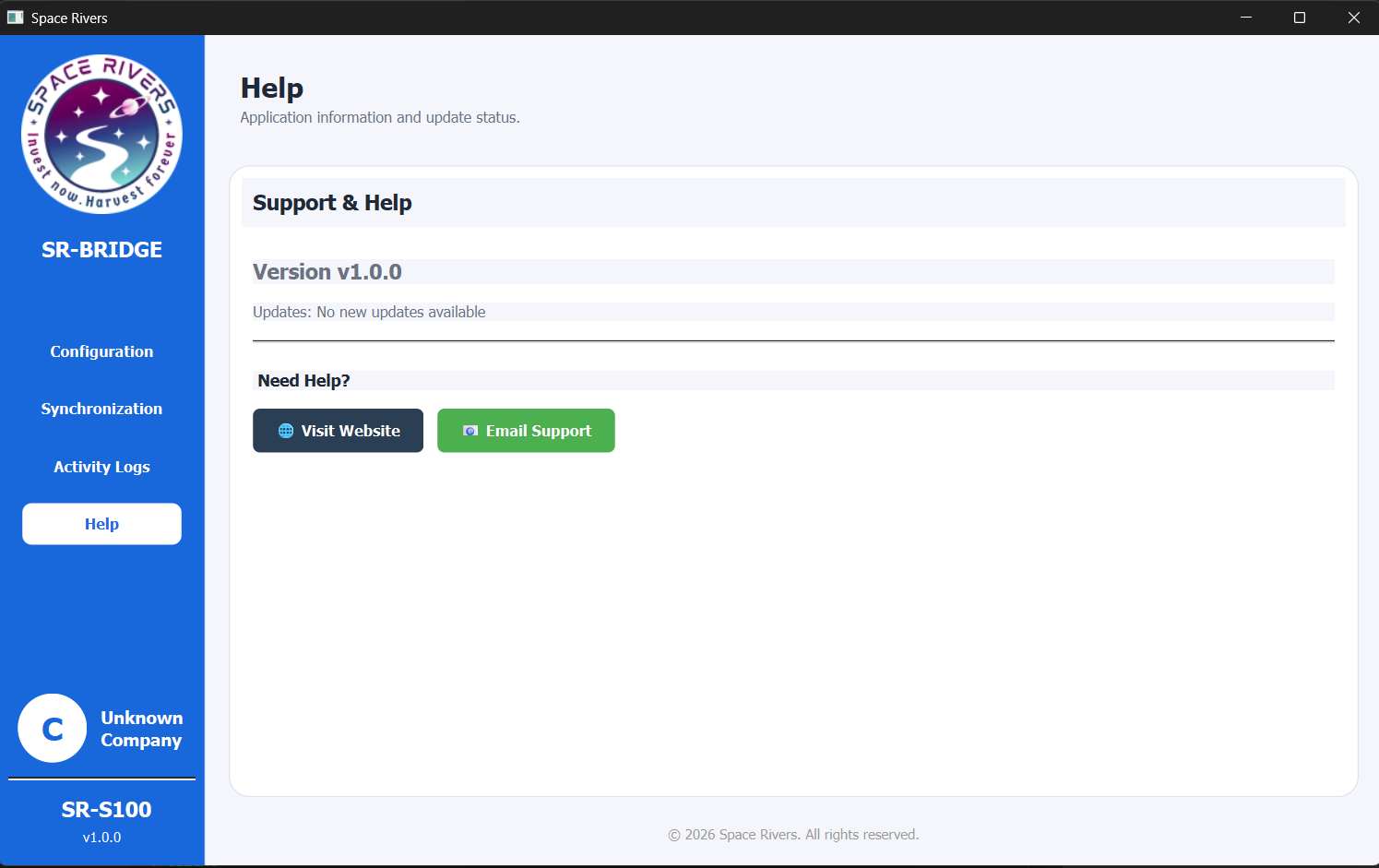
Version information
The current version shown on this page is:
- Version v1.0.0
Use this number when you contact support or when you compare your installed app against a newer release.
Support options
Visit Website
Use Visit Website to open the support or product website.
This is the place to check product information, announcements, or any additional help resources your team provides.
Email Support
Use Email Support to contact the support team directly.
This is useful when you need help with setup, connection issues, or questions about the desktop app.
Update status
The page also shows the update message:
- Updates: No new updates available
This means the application is currently up to date.
Notes and Tips
- Check the version number before reporting an issue.
- Use the website or email button depending on how your support team prefers to receive requests.
- If the update message says no new updates are available, you are already on the current release shown by the app.
Troubleshooting
I do not see the version number
Make sure you are on the Help page and that the page has loaded fully.
The support button does not open
Check whether the computer allows the app to open web links or email links.
I need to report a problem
Send the support team the version number shown on this page and a short description of what happened.